
Once the housekeeping schemes are configured and linked to the objects they relate to (room types, charge templates and OOS statuses), you can activate the automatic generation of daily housekeeping tasks.
By default, tasks are generated manually. Clock gives you the option to automate this process, thus eliminating the risk of human error or omissions.
How to enable automatic generation
- Open menu Settings → Housekeeping → Automatically generate tasks.
- Enter a time for the tasks to be generated automatically.
- Save the changes.
Once you set a time for the first generation (for example 06:00), the tasks will be generated automatically every day at the same time.
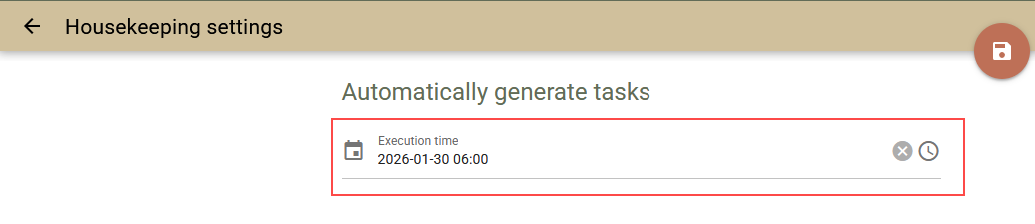
To stop automatic generation, clear the value in the time field and save.
Note: Automatic generation may be executed with up to 15 minutes delay compared to the set time.
Important: Choose the task generation time carefully. By this time all expected bookings must have rooms assigned. Otherwise, the system will not generate housekeeping tasks for them.